Category

Category
Client
Work
Year
Our Haiyan Hall prototype offers an immersive virtual experience that educates users about the lost historical monument. The diegetic interfaces increase user immersion, starting with instructions to familiarize themselves with the Google Cardboard headset function. Users are then guided through a quest to restore the Haiyan Hall, interacting with animal statues that teleport them to a theater room presenting historical plays. The final scene is a restored Haiyan Hall, where users can explore and reflect on the monument's history. The experience shifts from explanatory to exploratory, prompting users to consider the gains and costs of war.
Reticle, which will facilitate the user to interact with the target, increase the accuracy, and the loaded circle will also inform the user whether the user is interacting.

All scenes use the same script and set the same value to ensure that the user has the same viewing angle and moving speed after entering each scene.

There is a front sight in the middle of the screen. When the user's perspective is looking towards the ground, and after reaching a certain angle, the user will complete the interaction with the coordinates of the front sight and start moving.

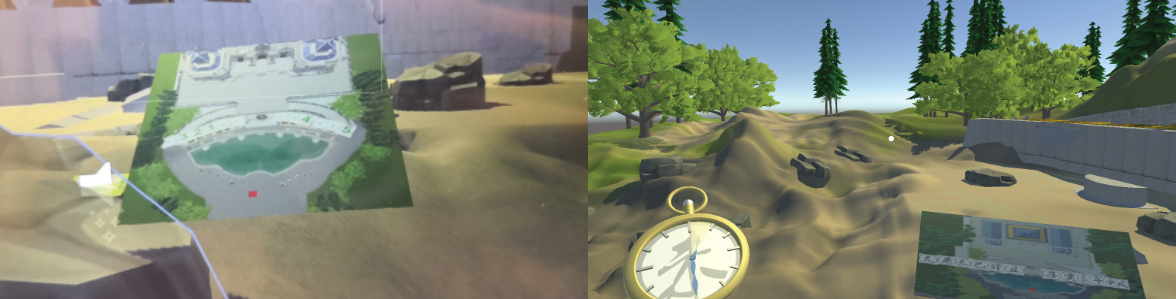
In Haiyan Hall VR, we use maps, pocketwatches, and luminous points to guide users through the game.
Through continuous scene switching, users will see a greatly changed environment after each transition, thus attracting users to continue to play the game.